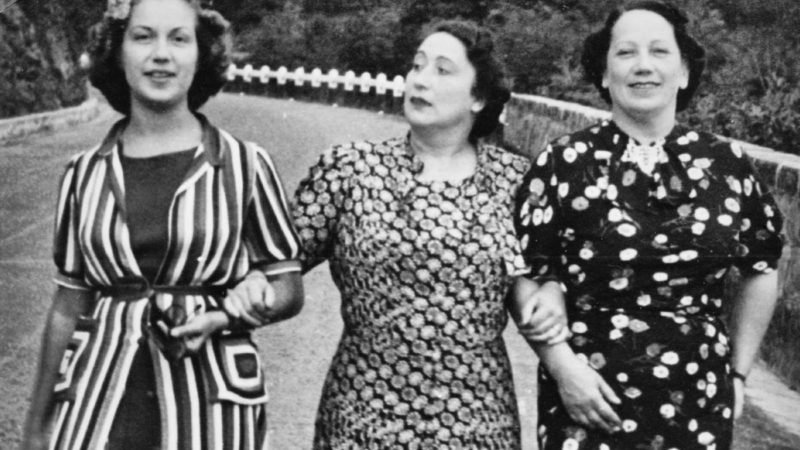
In 1930s fashion, the introduction of new fabrics signaled a change in the way women dressed. Rayon and silk were two such fabrics that made their debut during this time period. They were sportier and more functional than the traditional materials used for clothing, which helped to usher in a new era of fashion
1930s Fashion Trends
In the 1930s, fashion designers began to experiment with new fabrics such as rayon, which was a synthetic fiber made from cellulose. This allowed for cool, comfortable summer clothing that hung well on the body.
Rayon skirts and blouses were popular among women, and men often wore …

Halloween has been around for centuries. People would ditch their regular everyday looks and don costumes every year on this special day. Till today, the tradition lives, thus making some of the earliest costumes today’s classics and even most iconic. Vintage Halloween costumes can be curated by looking back to the past to see what reigned back in the day. If you are interested in finding out what now counts as vintage Halloween costumes today, then you are in for a treat — pun very much intended.
Share A Kiss and Trick or Treat
…
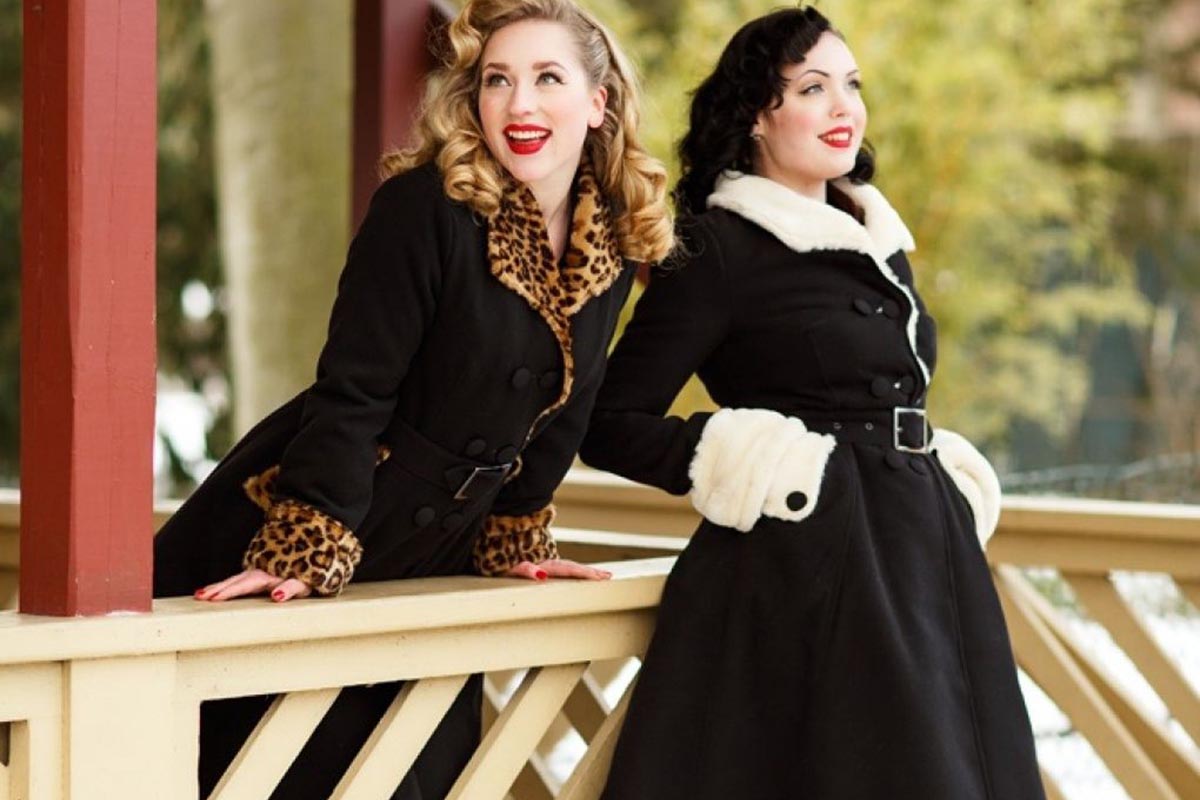
It’s time to throw away your shorts and peasant tops because winter is here! Let’s show you how pinup girls should dress during the winter without having to look extra bulky.
In this video, you will see some Pinup winter essentials:
1. Wear layers of lingeries
This is the key to stay warm without adding that extra bulk. Unlike bras and thongs, lingeries provide more coverage to your body. You can also choose a corset for better insulation and to maintain that hourglass body…
A vintage look is not always about being noticeable, sometimes you might want to keep your outfit low-key while not losing the classic touch. Here is a list of four basic tops to wear for your vintage outfit look.
1. Dolores Top by Collectif
This top comes in many patterns and has elastic puffy sleeves. It will highlight your upper torso area and it pairs beautifully with a pencil skirt. Anyway, is a must-have for your wardrobe!
2. Doris Top by PGC
With longer sleeves and an adjustable zipper at the back, this top from …
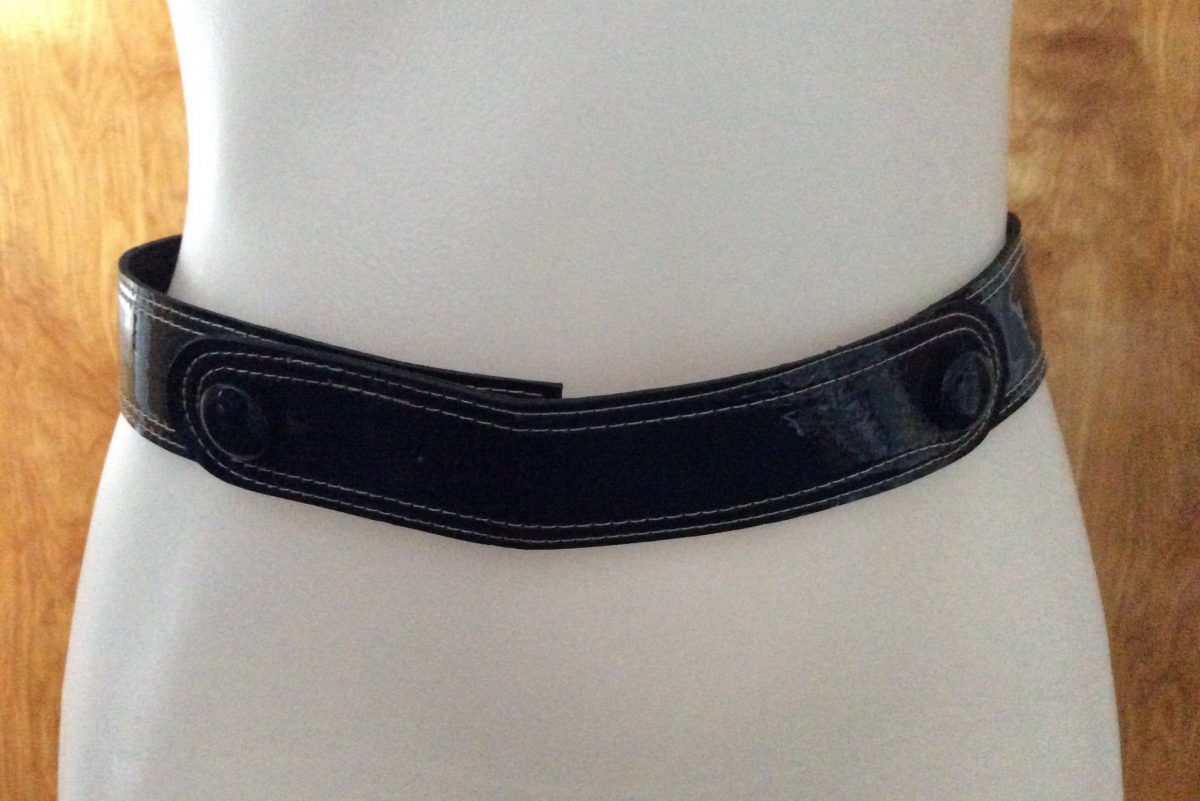
For you who love to wear vintage clothing, a belt is an essential piece to have in your wardrobe. It keeps your pants in place, gives a curvy illusion to your body, and is very versatile because you can wear it with shorts, skirts, and even pants.
There are many types of belts out there and it can get overwhelming to pick one out of them. So, to help you make your choice, we have arranged a list of three belts for …
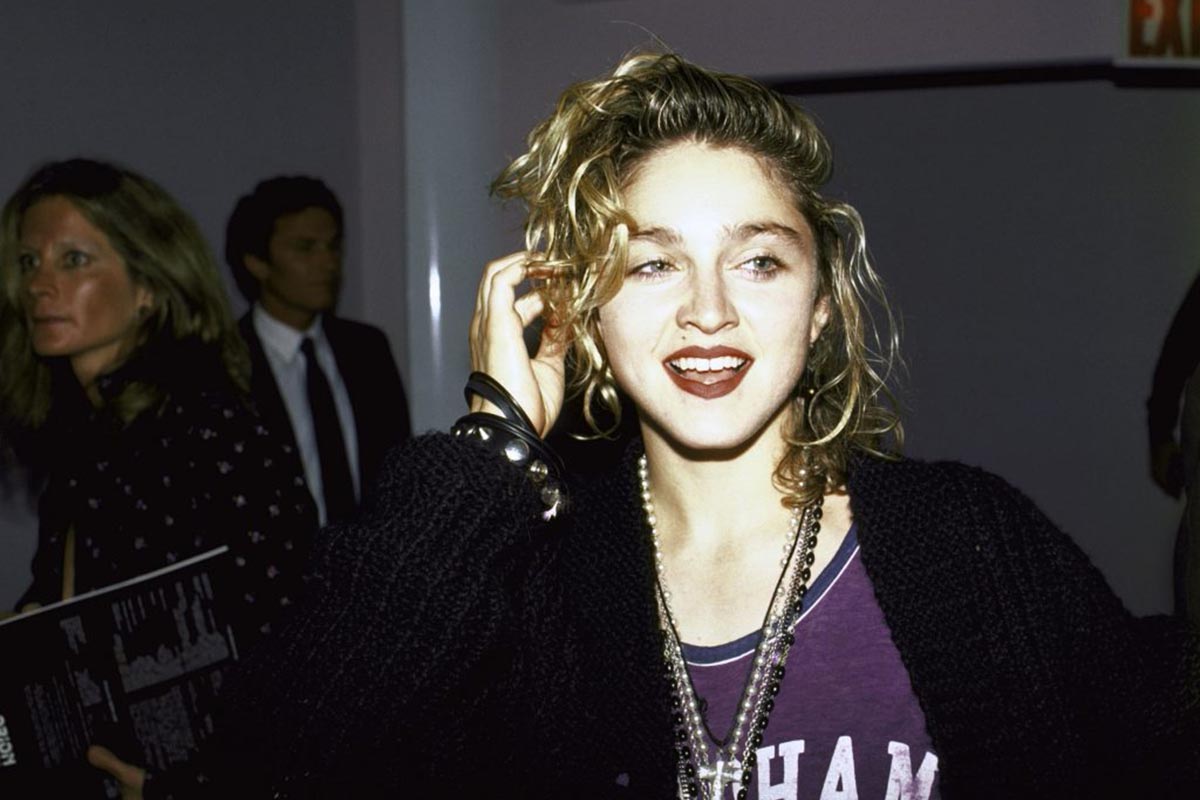
It’s been more than 40 years since Madonna started her career in 1979, Since then, she has been able to prove herself to the world that she is a fearless and unstoppable woman.
There’s no need to question the achievements in her music career. Despite all the challenges she faced during her early music career, she was named the wealthiest female musician in the world in January 2008 by Forbes magazine.
She is also has a unique fashion style. Many people may remember her with her iconic wedding dress that she wore at the 1984 MTV Awards. The younger generations may remember her with her black and white gentlemen suit that …
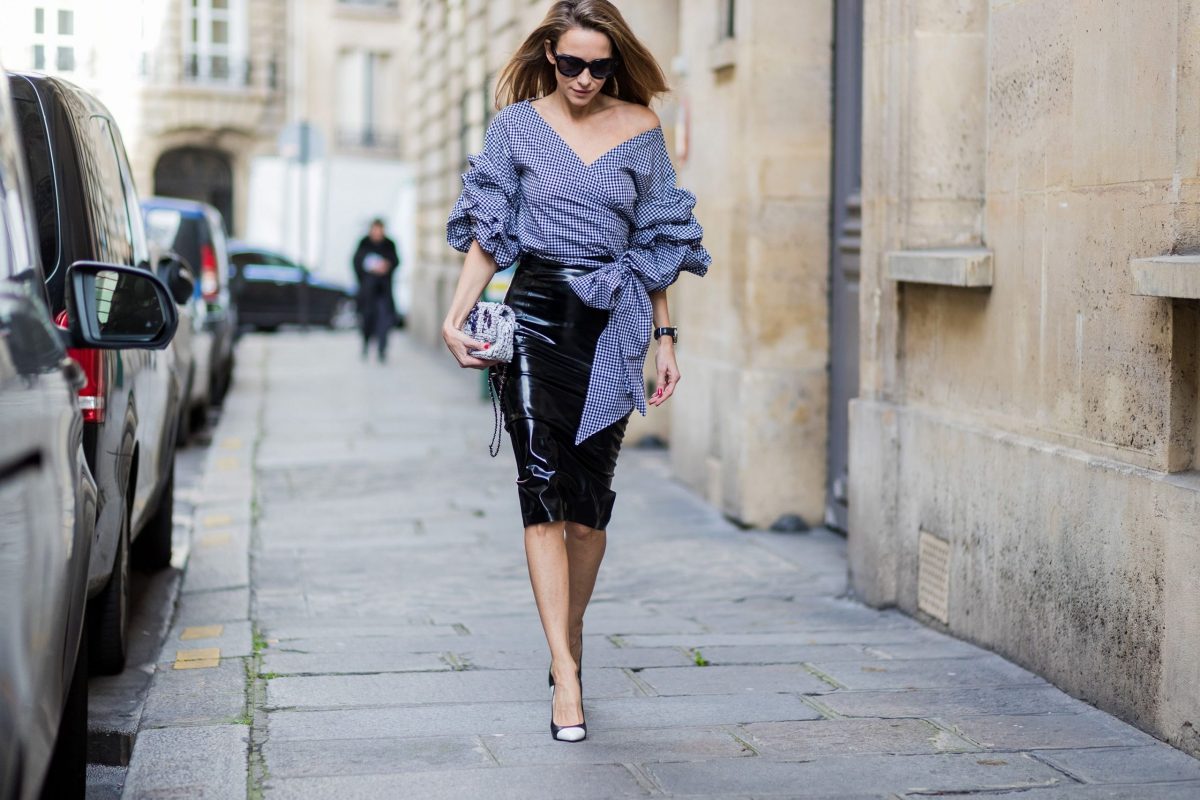
When you think about Dita von Teese, you will also think about pinup and rockabilly style. Pinup and rockabilly style was born along with the boom of pinup model images in the 40s and remains until now.
Dita’s pinup fashion style is both classic and sensual at the same time. We’re going to show you how you can make Dita’s style your style reference.
1. Pencil Skirt
A pencil skirt is a good choice to exhibit your curve. Pick a bright colored pencil skirt for classic pinup style. But, if you want to look a little bit gothic, you can go for the black one.
2. Cigarette Trousers…